01
Highly specialized
Adapted in depth to each industry and application. Built-in industry codes and company standards such as ACI 318-19, IPC-7351B and ASME Y14.5-2018.
400workflows
across 8 industries
across 8 industries
Spare core advantages
Replaces cross-software coordination that takes several engineers days. One instruction, one engineer.
Point tools vs full chain
In-app assistantsOnly inside their own software
General AIChatGPT, Codex
Workflow toolsCoze, Dify, n8n
RPASimulated mouse clicks
Files passed between applications by hand
One workflow
The full process runs continuously and outputs engineering files ready for use
01
Adapted in depth to each industry and application. Built-in industry codes and company standards such as ACI 318-19, IPC-7351B and ASME Y14.5-2018.
02
CAD, CAM, CAE, EDA and other applications chained into one workflow. Models, parameters and results pass between applications automatically.
03
Modeling, programming, simulation and drawings normally pass between several roles over several days. One engineer completes the process with a single instruction.

Industry fit
Each industry has its own software chain, industry codes and company standards. Browse 400 workflows →
01
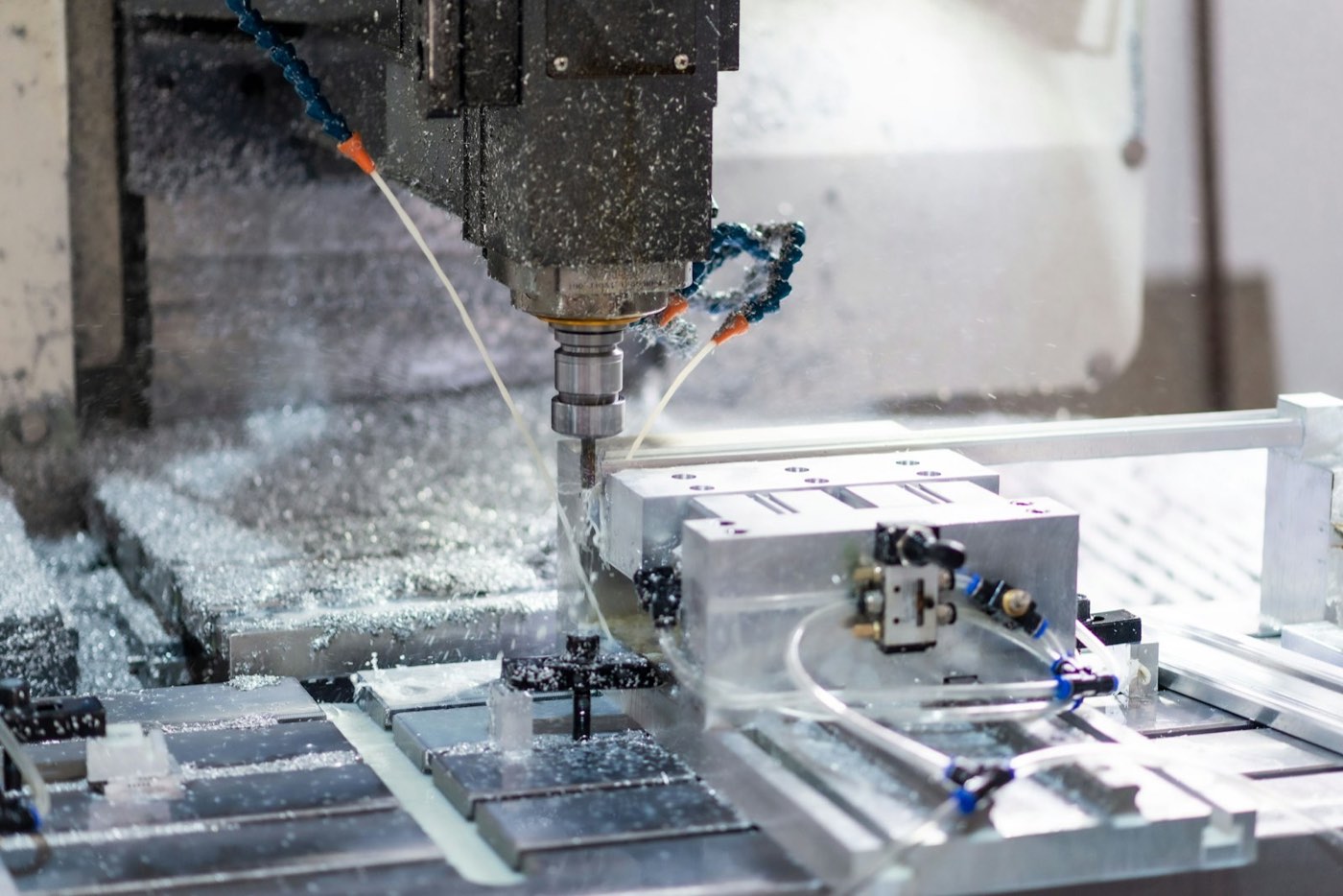
Machinery & Manufacturing
SOLIDWORKSMastercamVericut
ASME Y14.550 workflows
 02
Automotive & Transportation
SimulinkCANoedSPACE
ISO 2626250 workflows
 03
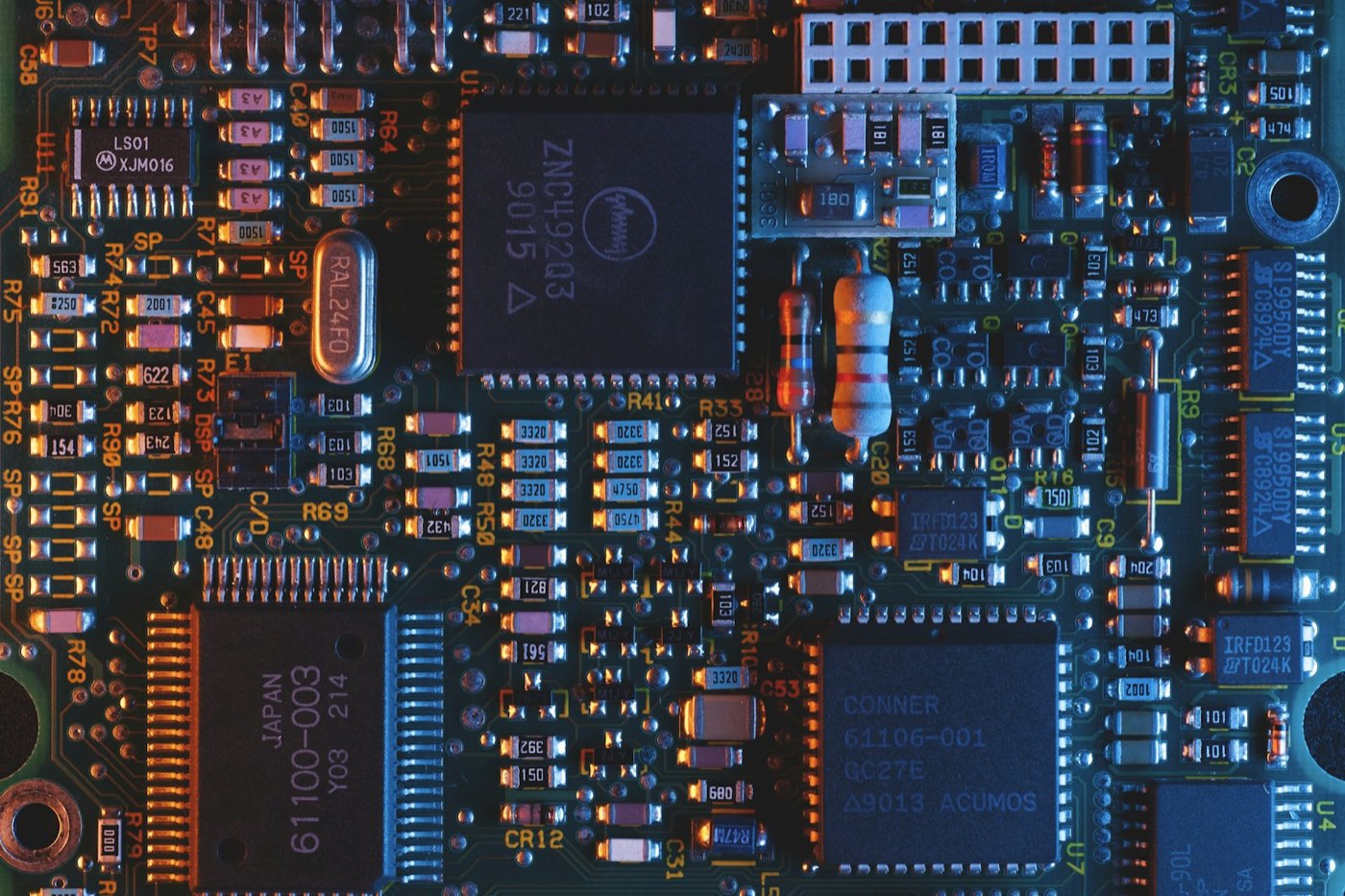
Electronics & Semiconductors
Altium DesignerAllegro X
IPC-7351B50 workflows
 04
Architecture, Engineering & Construction
RevitETABSAutoCAD
ACI 318-1950 workflows
 05
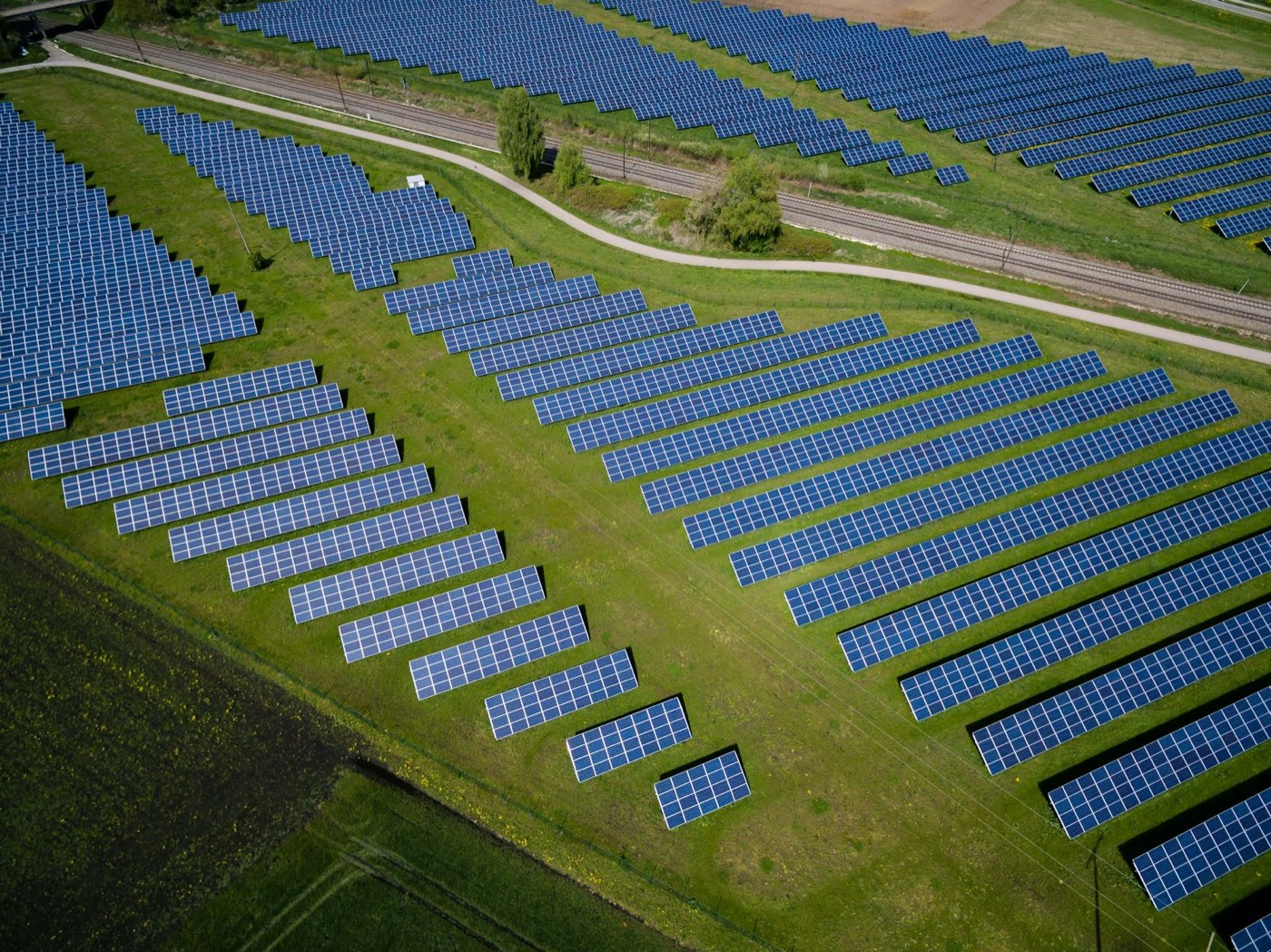
Energy, Power & Chemicals
PVsystAutoCAD
NFPA 70 (NEC)50 workflows
 06
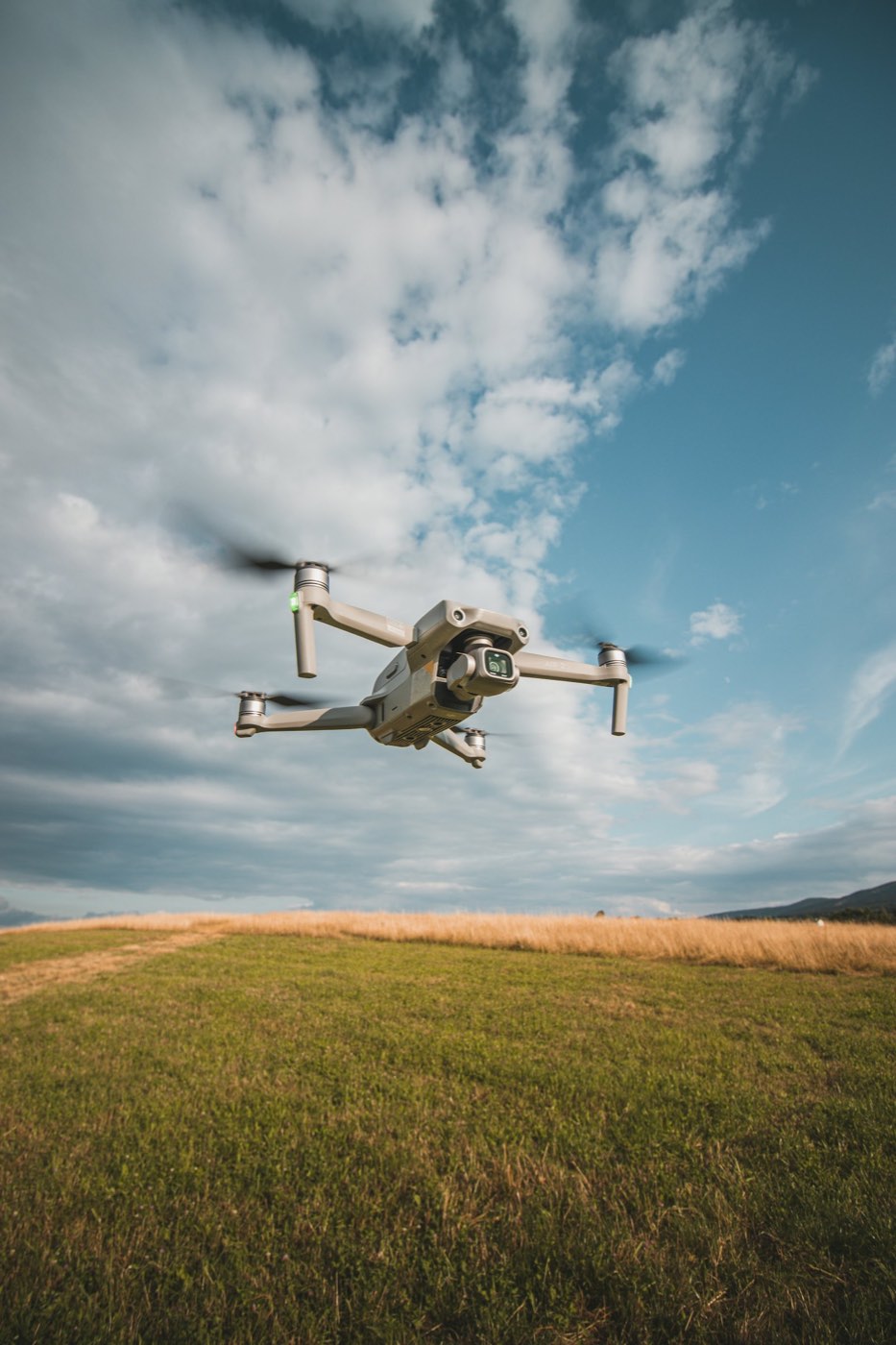
Survey, GIS & Environment
DJI TerraCivil 3D
ASPRS Ed. 250 workflows
 07
Medical & Life Sciences
3Shape Dental System
IEC 60601-150 workflows
 08
Design, Content & Consumer Products
RhinoKeyShot
Company templates50 workflows
Comparison
Compare with
Value
Repetitive engineering operations, automated.
Full cross-software workflows, one engineer.

Rooftop PV design · Execution example
roof_survey.tifload_profile.xlsx550 W mono modules
DJI TerraPVsystAutoCAD
Adjust layout and stringing to the energy yield target
array_layout.dwgElectrical drawingsenergy_yield_report.pdfBill of materials
R&D lead · Engineering director
Output standards stay consistent, and senior engineers' experience is captured as company standards.
Project engineers
Tasks can be submitted at the end of the day, with output files available the next day.
Timing
MathWorks, COMSOL and dSPACE have released MCP interfaces for their software.
LLMs can parse drawing annotations, code provisions and simulation logs.
Spare chains these interfaces into industry workflows, enabled per application.
AIGE solution
AI-Generated Engineering