01
Execution Agent
Breaks the task down, determines the software and order for each step, and runs the whole workflow in sequence.
AIGE Solution
Five modules connect 500+ industrial software tools across CAD, CAM, CAE and EDA, running modeling, programming, simulation and drawing production as one sequence. Workflows that take several engineers days of coordination, completed by one person from one instruction.
Product structure
The execution agent draws on the workflow library and knowledge base, operates industrial software through the connectors, and the outputs are downloaded from the workbench.
01
Breaks the task down, determines the software and order for each step, and runs the whole workflow in sequence.
02
One connector per software tool. Open files, read the model tree, modify parameters, run simulations, export results.
03
8 industries, 400 preconfigured workflows. Steps, software and output formats are already set up and ready to use on activation.
04
Company standards, templates, title blocks and layers, tool libraries, post-processors, past projects. Drawings and programs follow company standards.
05
Submit tasks, track progress and download output files in the browser, with a full activity log.
Core capabilities
Reads and writes models, runs simulations and produces drawings directly, replacing cross-professional coordination between several roles and producing ready-to-use engineering files.
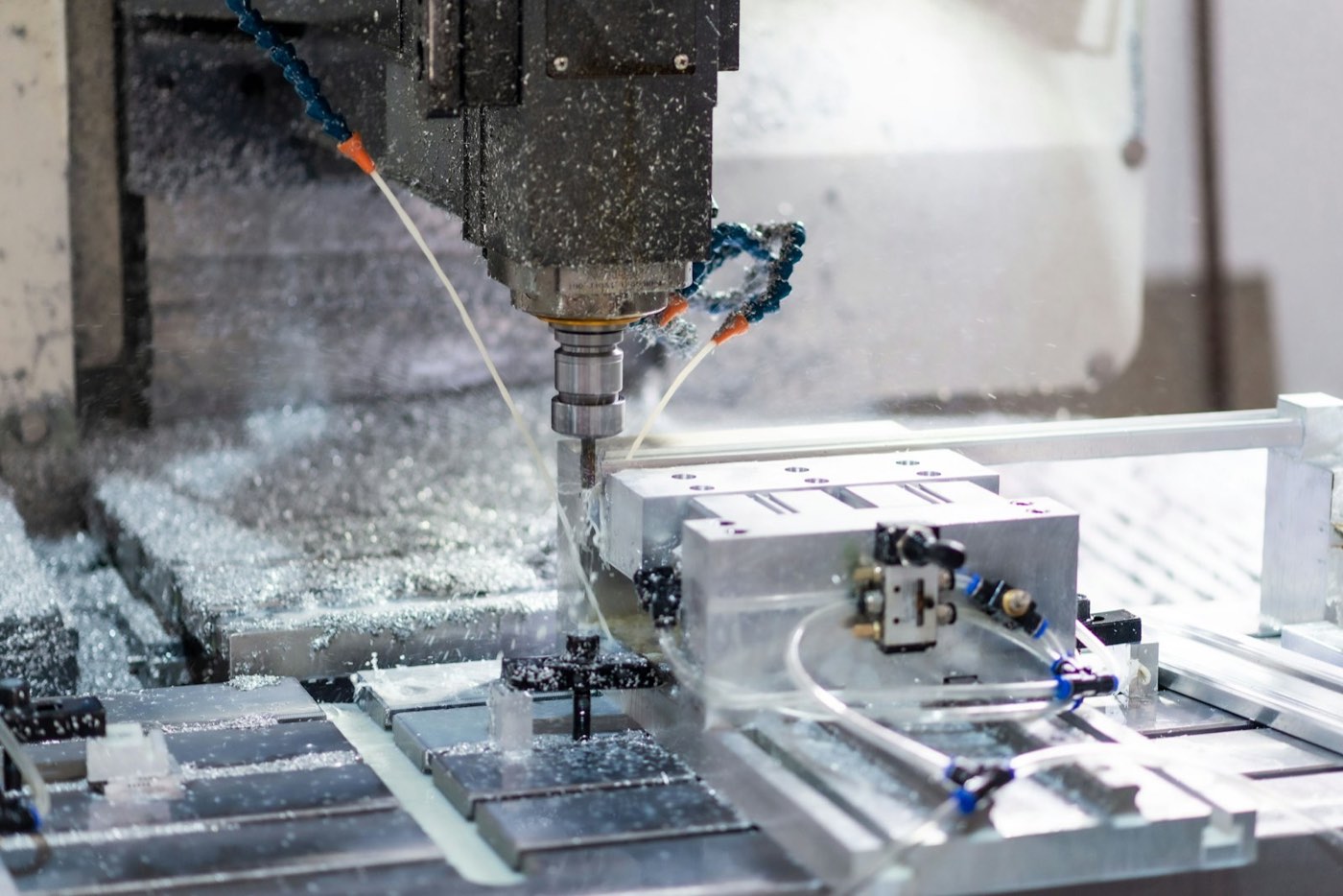
Reads and writes model data inside the software and calls its commands and solvers directly.
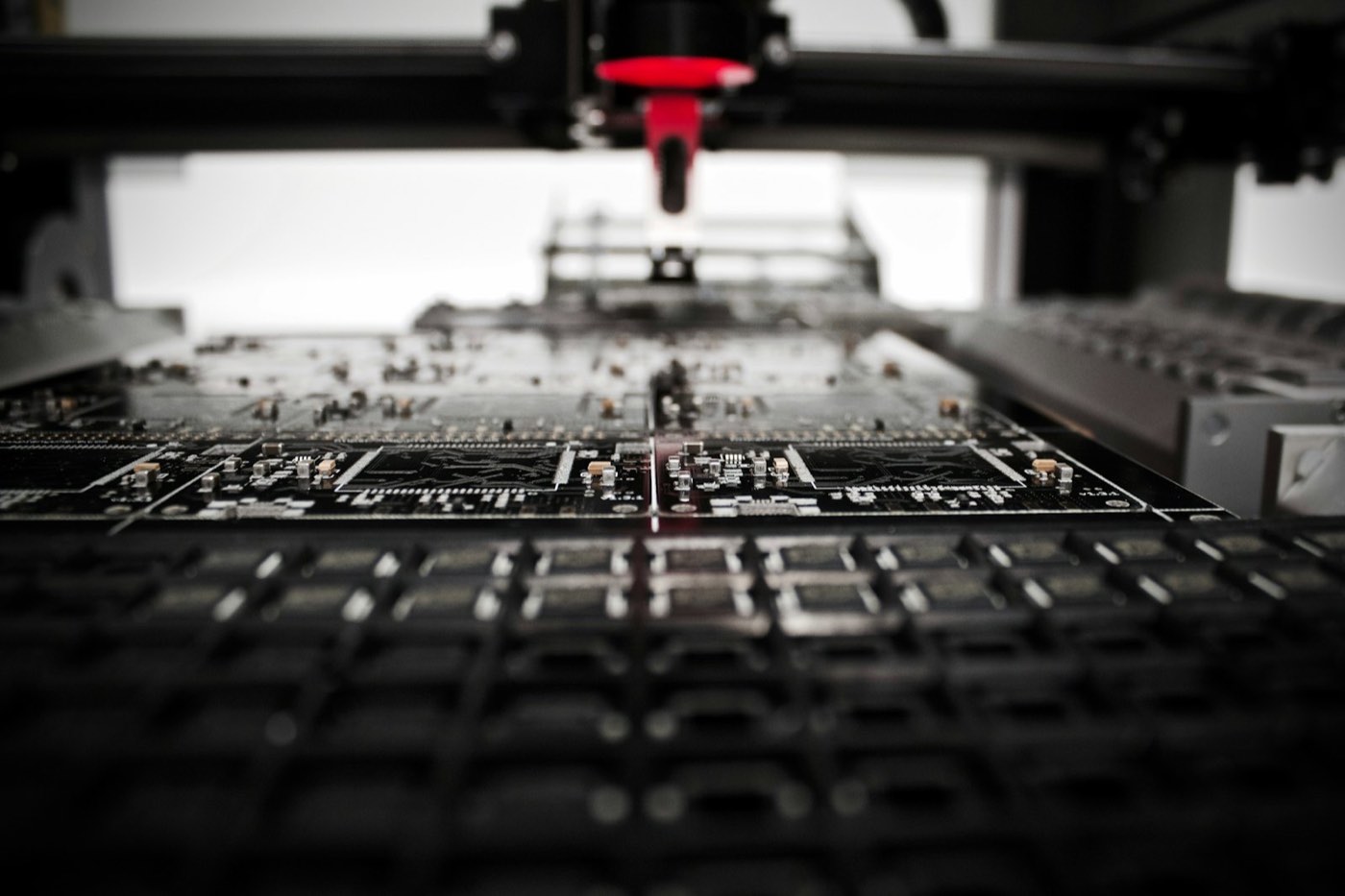
Several software tools chained into one workflow; models, parameters and results pass between them automatically.

Steps, software and output formats preconfigured by industry, ready to use on activation.

Standards, templates and past projects are retained as company standards.
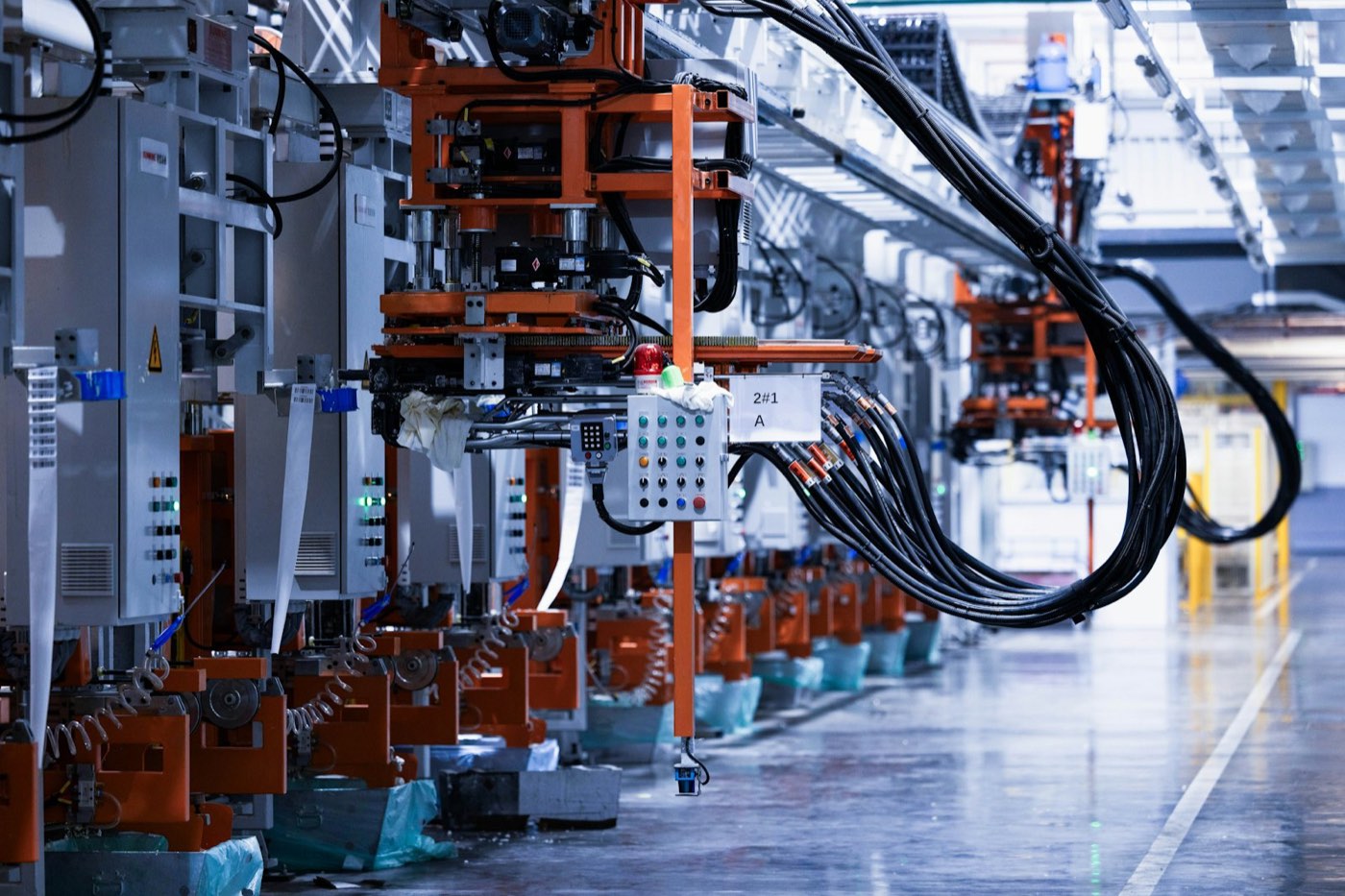
Multiple tasks run in parallel, including overnight batch processing.
Large language models are connected to suit the deployment environment; offline environments use local models.
Software connection
One connector per software tool. API and MCP are used first, then the software's own scripts and macros, and finally UI automation.
Calls the software's open interface to read and write models, parameters and layers directly.
Connects to the vendor's MCP service and calls software functions directly.
Performs operations through the software's own scripting and macro facilities.
Operates menus, dialogs and keyboard shortcuts through the software's user interface.
Data flow
Models, drawings, point clouds and test data are passed in the format the next software tool needs, so the workflow runs without interruption.
First applications
From input files to output files, days of coordination completed in one pass.
01CNC ProgrammingSpare CNC ProgrammingFrom the part model to an NC program ready for the machineView application
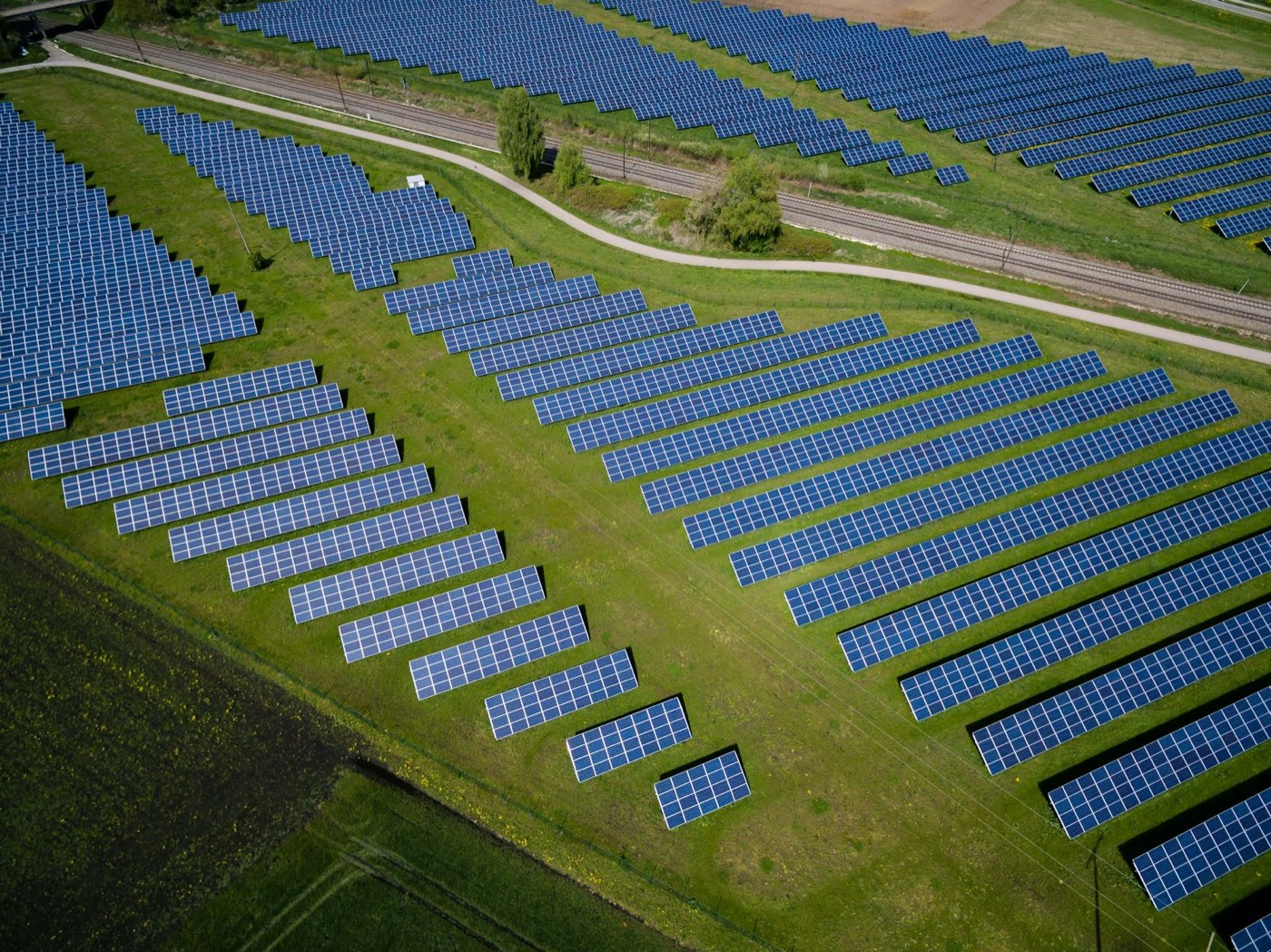 02PV Plant DesignSpare PV Plant DesignFrom roof or site data to layout drawings, yield report and electrical drawingsView application
 03Structural DrawingsSpare Structural DrawingsFrom ETABS / RAM analysis results to reinforcing construction documentsView application
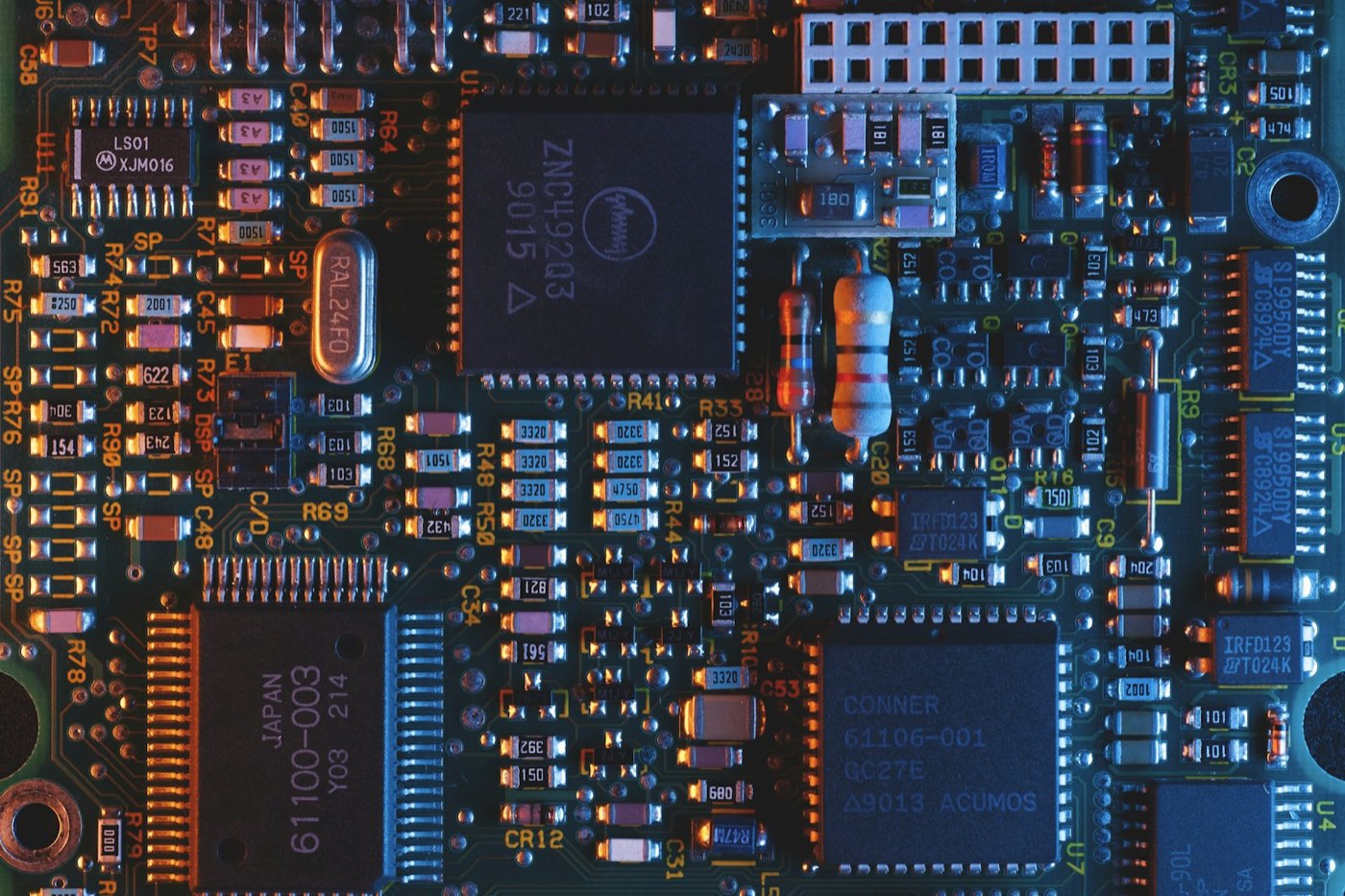 04PCB DesignSpare PCB DesignFrom schematic to manufacturing files ready to orderView application
 05Aerial Survey MappingSpare Aerial Survey MappingFrom raw drone imagery to topographic map and accuracy reportView application
06Robot Offline ProgrammingSpare Robot Offline ProgrammingFrom cell layout to robot program and cycle-time reportView application
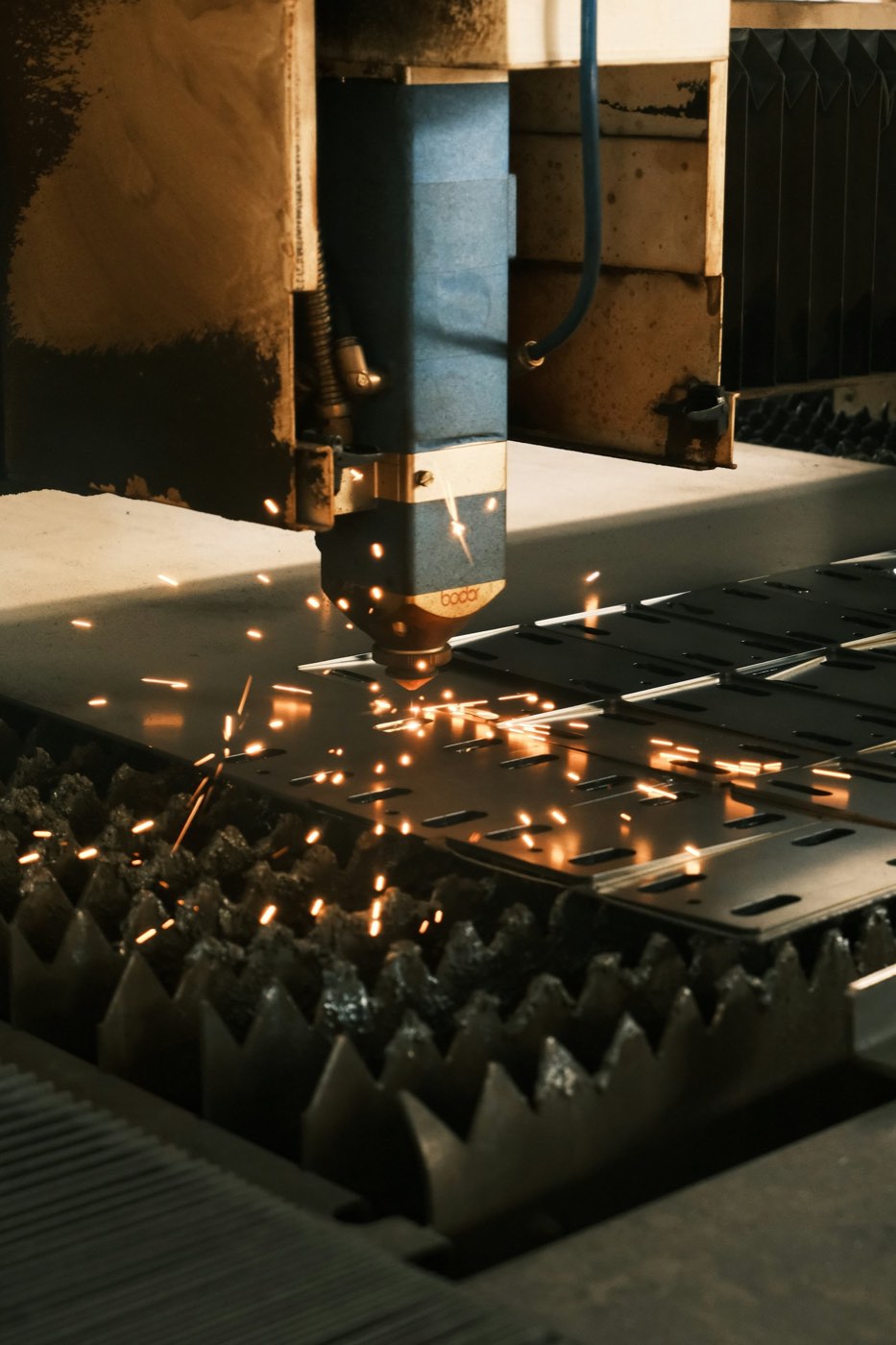 07Sheet Metal and Custom Equipment DesignSpare Sheet Metal and Custom Equipment DesignFrom equipment requirements or part model to cutting files, BOM and quotationView application
 08Dental Restoration DesignSpare Dental Restoration DesignFrom intraoral scan data to milling or printing filesView application
Technical foundation
MathWorks, COMSOL and dSPACE have opened MCP interfaces for their own software.
Large language models can parse drawing annotations, code clauses and simulation logs.

Spare chains these interfaces by industry workflow, so days of multi-role coordination are completed from one instruction.
Deep customization and integration
Connects the company's own software, templates and company standards. Processes beyond the 400 preconfigured workflows can be customized as well.
In-house tools · Niche softwareReports · Drawings · SchedulesDWG · DXFTools · Cutting parametersMachines · ControlsInternal standards · Industry codesModels · Drawings · Reports
Custom workflow
Customized to the company tool library and post-processor
AIGE Solution
AI-Generated Engineering