AIGE engineering agent
Submit a Workflow
A workflow that takes several engineers, several software packages and several days of coordination: one instruction, one person. Submit one to schedule onboarding and a trial run.
Business inquiriescontact@spareaige.com
Engagement process
- 01
Pick a workflowCurrent
One that spans several professional tools and takes days.
- 02
Onboard
Connect your software and import company standards.
- 03
Trial run
Run on real tasks and tune the configuration.
- 04
Go live
Enable further applications as needed.
Workflow details
Onboarding prep
What to prepareFor onboarding and the trial run
Four kinds of material make up one workflow kit,
written to the knowledge base after onboarding.
- part.step3D modelWorkflow start
- roof-survey.tifOrthomosaicWorkflow start
- load-profile.xlsxSpreadsheetWorkflow start
- requirements.docxDocumentWorkflow start
Scope
8 industries400 workflows
50 preset workflows per industry,
with inputs, software and output files listed by industry.
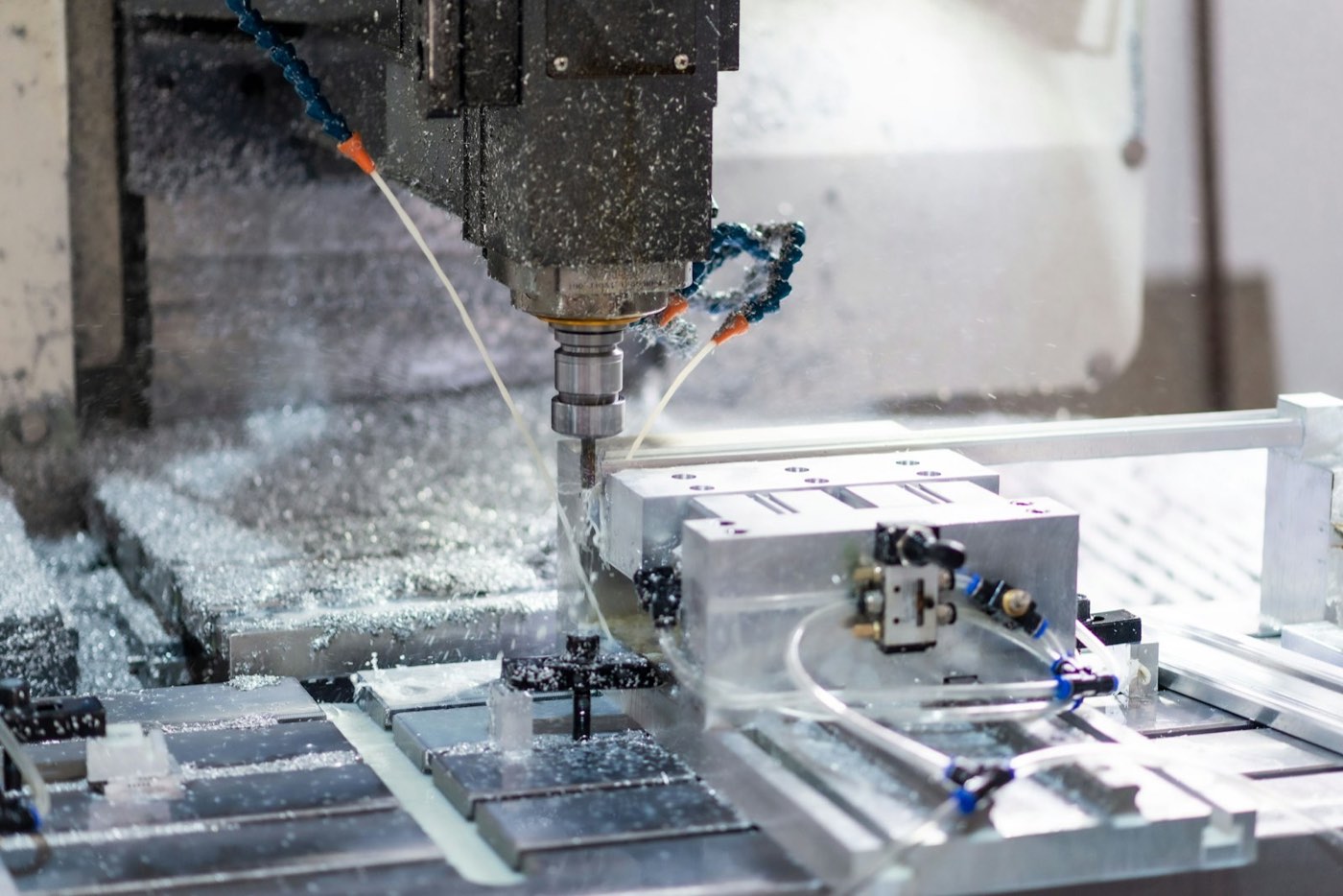 01Mechanical & ManufacturingCNC machining · Sheet metal and welding · ToolingSolidWorks · Mastercam · Vericut
 02Automotive & TransportationControls software · Networks and diagnostics · HIL and virtual testingSimulink · CANoe · dSPACE
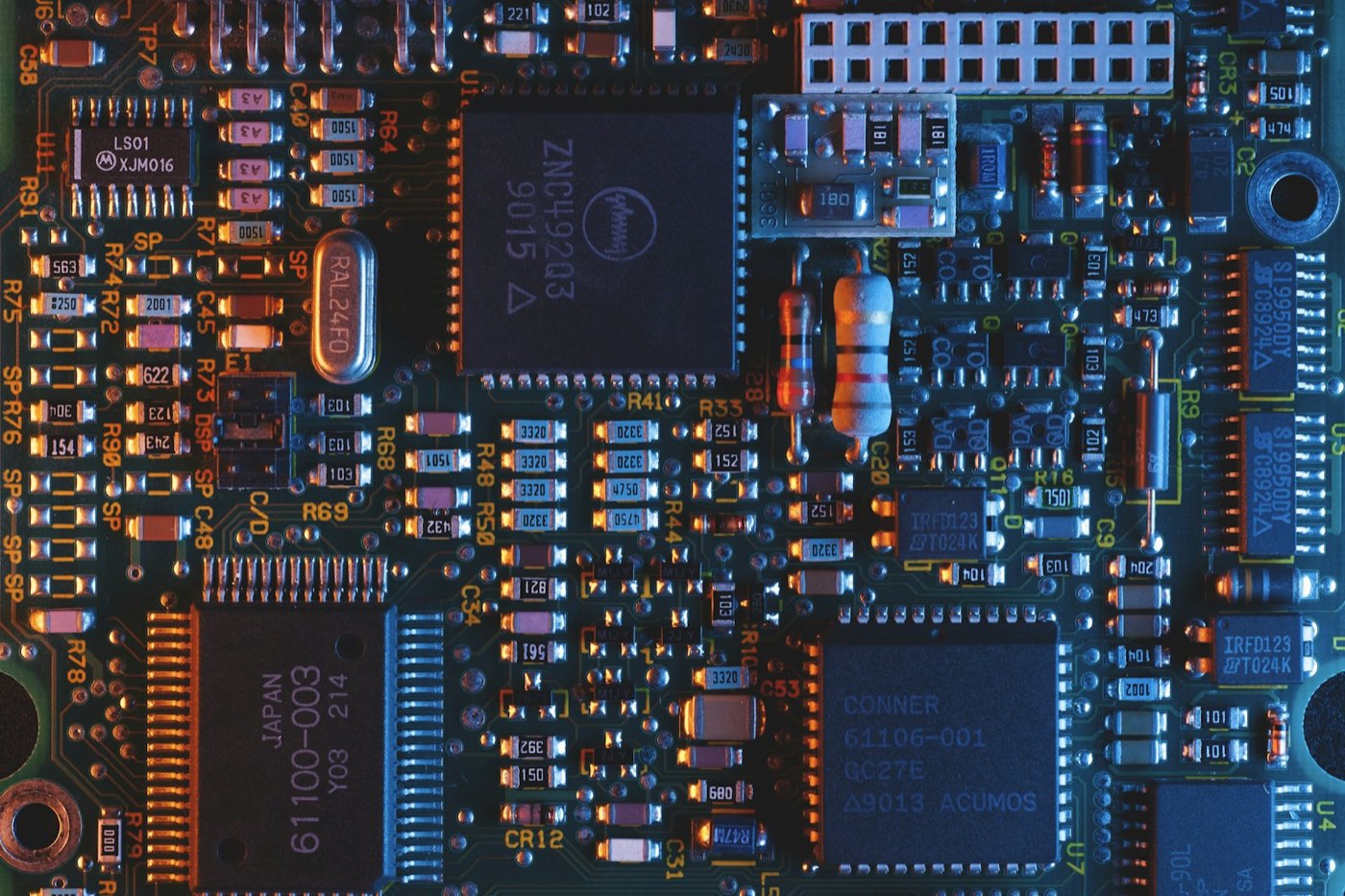 03Electronics & SemiconductorsSchematics and part selection · PCB design · Power designAltium · JLCEDA · HyperLynx
 04Architecture, Engineering & ConstructionArchitectural design · Structural design · MEP and fire protectionPKPM · YJK · Revit · TArch
 05Energy, Power & ChemicalsSolar plants · Wind farms · Storage and microgridsPVsyst · PVcase · ETAP
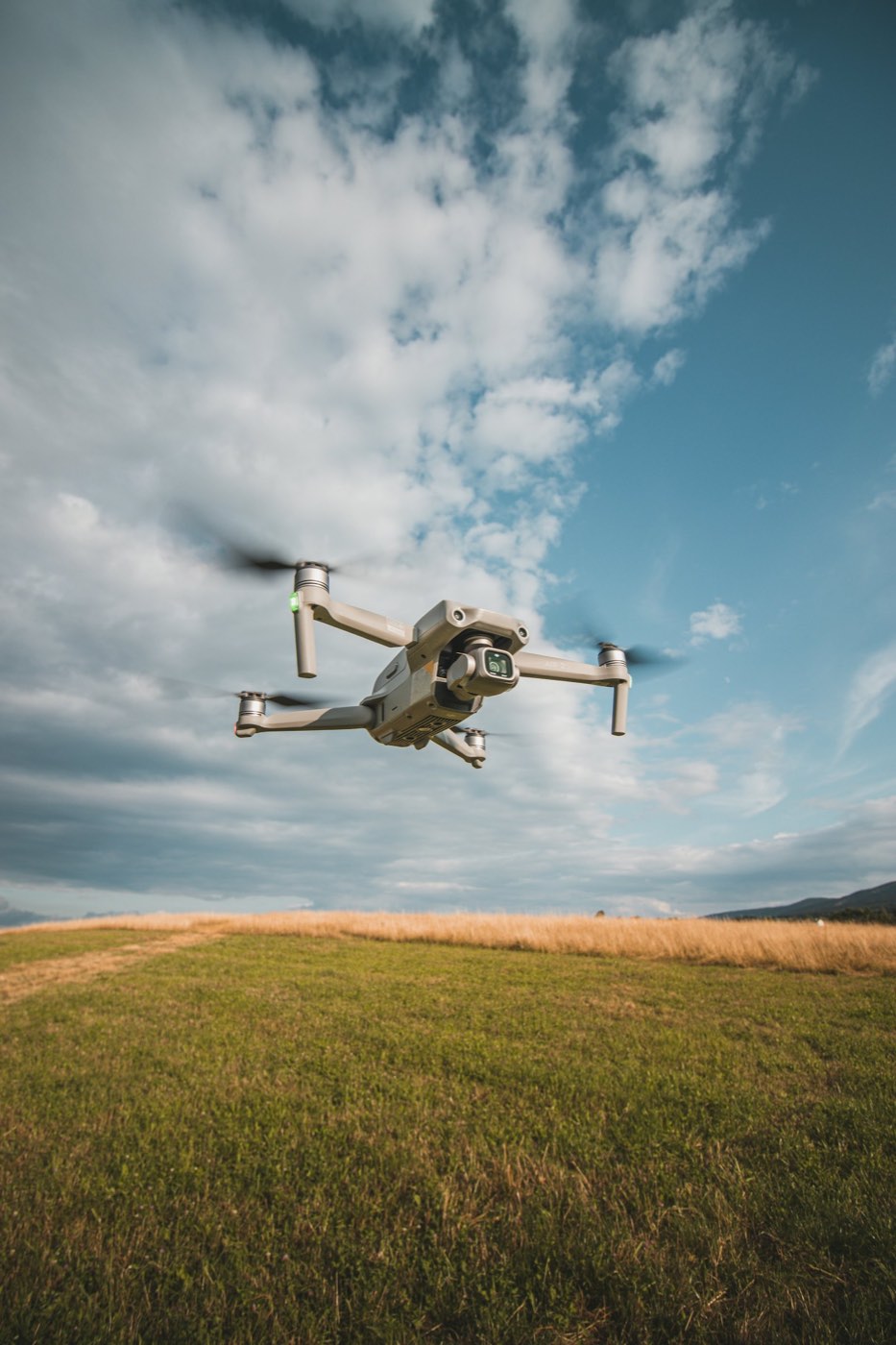 06Surveying, GIS & EnvironmentAerial survey and reality capture · Lidar point clouds · Construction surveyingDJI Terra · South CASS
 07Medical & Life SciencesDigital dentistry · Image reconstruction · Medical device R&D3Shape · exocad · Mimics
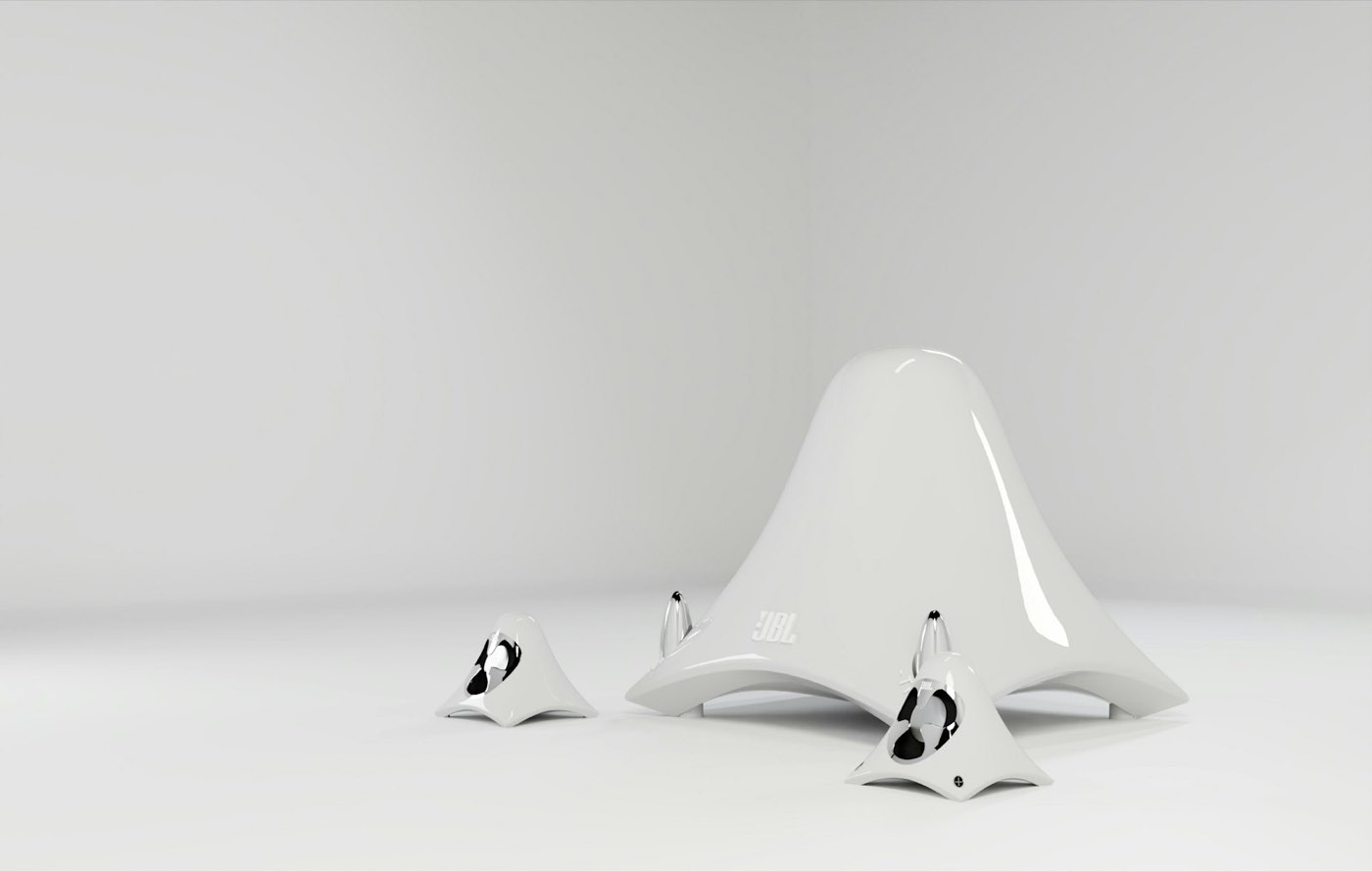 08Design, Content & Consumer ProductsIndustrial design and CMF · E-commerce visuals · Game artRhino · KeyShot · Blender
Who we work with
First bookings go to
mid-size OEMs and Tier 1 controls teams.
Automatic regression on requirement changes. On-premises deployment supported.
Automotive controls toolchain
- 01 · InputRequirementsrequirements.docx
- 02 · MILSimulinkcontroller.slx
- 03 · SILEmbedded Codercode .c / .h
- 04 · Network and diagnosticsCANoetest config .cfg
- 05 · HILdSPACEHIL test cases
- 06 · OutputTest reporttest-report.pdf