01 / 04
Task
Drone imagery and the load profile are submitted in the workspace, the module model is specified, and an execution plan is generated.
roof_survey.tifload_profile.xlsx550 W mono
AIGE Solution
One instruction runs the entire software chain end to end, replacing days of coordination across several engineers.
Example workflows
Execution
From rooftop drone survey data to the energy yield report, in one continuous workflow.
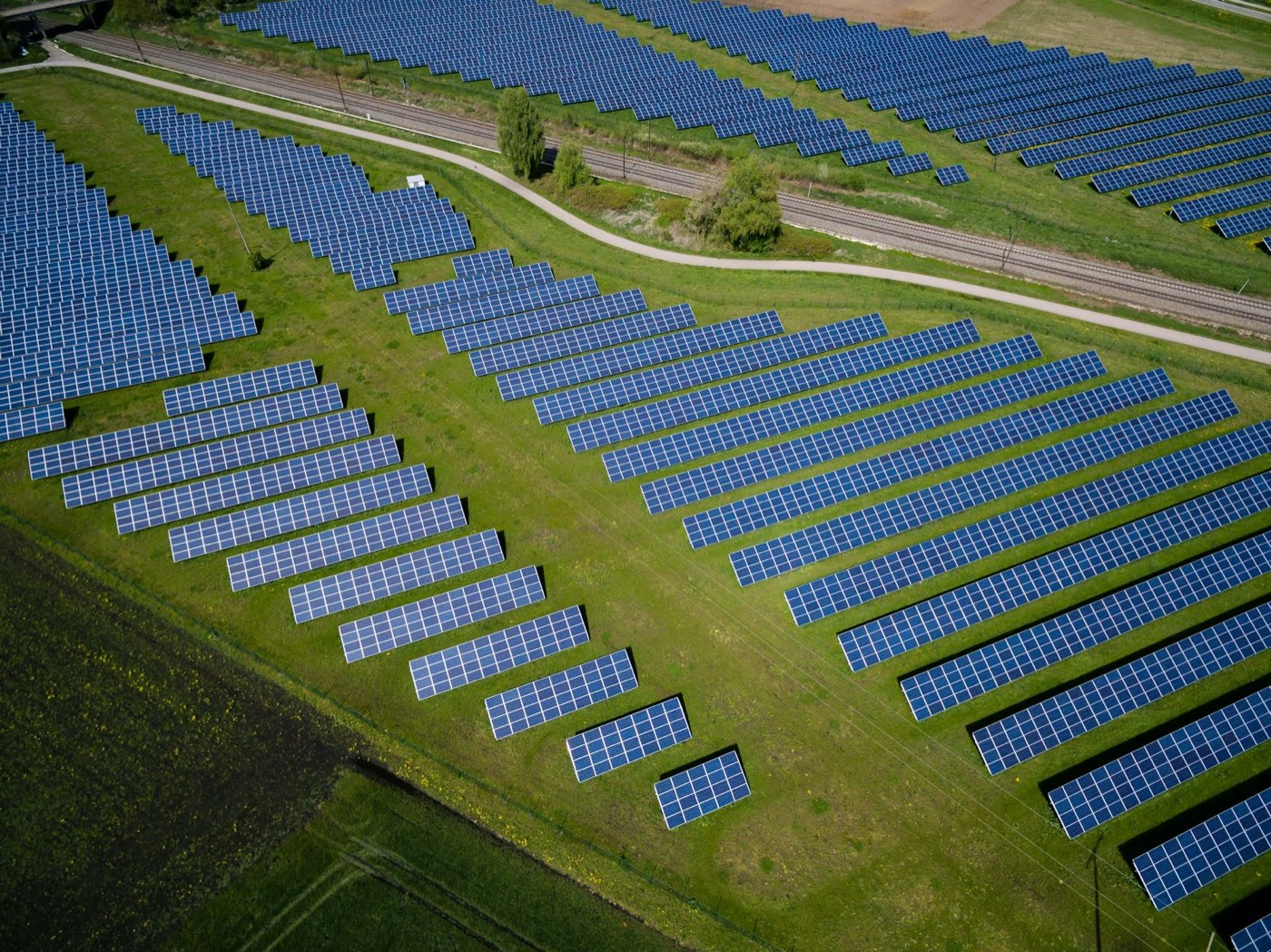
PV Plant Design
roof_survey.tif to energy_yield_report.pdf, one workflow.
4stages
3applications
4output files
01 / 04
Drone imagery and the load profile are submitted in the workspace, the module model is specified, and an execution plan is generated.
02 / 04
Three applications run in sequence. The roof model, layout and string parameters pass between them automatically.
03 / 04
Rooftop equipment and shaded areas are avoided; layout and stringing are adjusted to the energy yield target.
04 / 04
Output files follow company templates and download directly from the workspace.
Long-chain example
Six stages run continuously. Models, code and test results pass between them automatically.
Company intranet
Requirements · Parsing requirement items
Requirements v1Test report v1
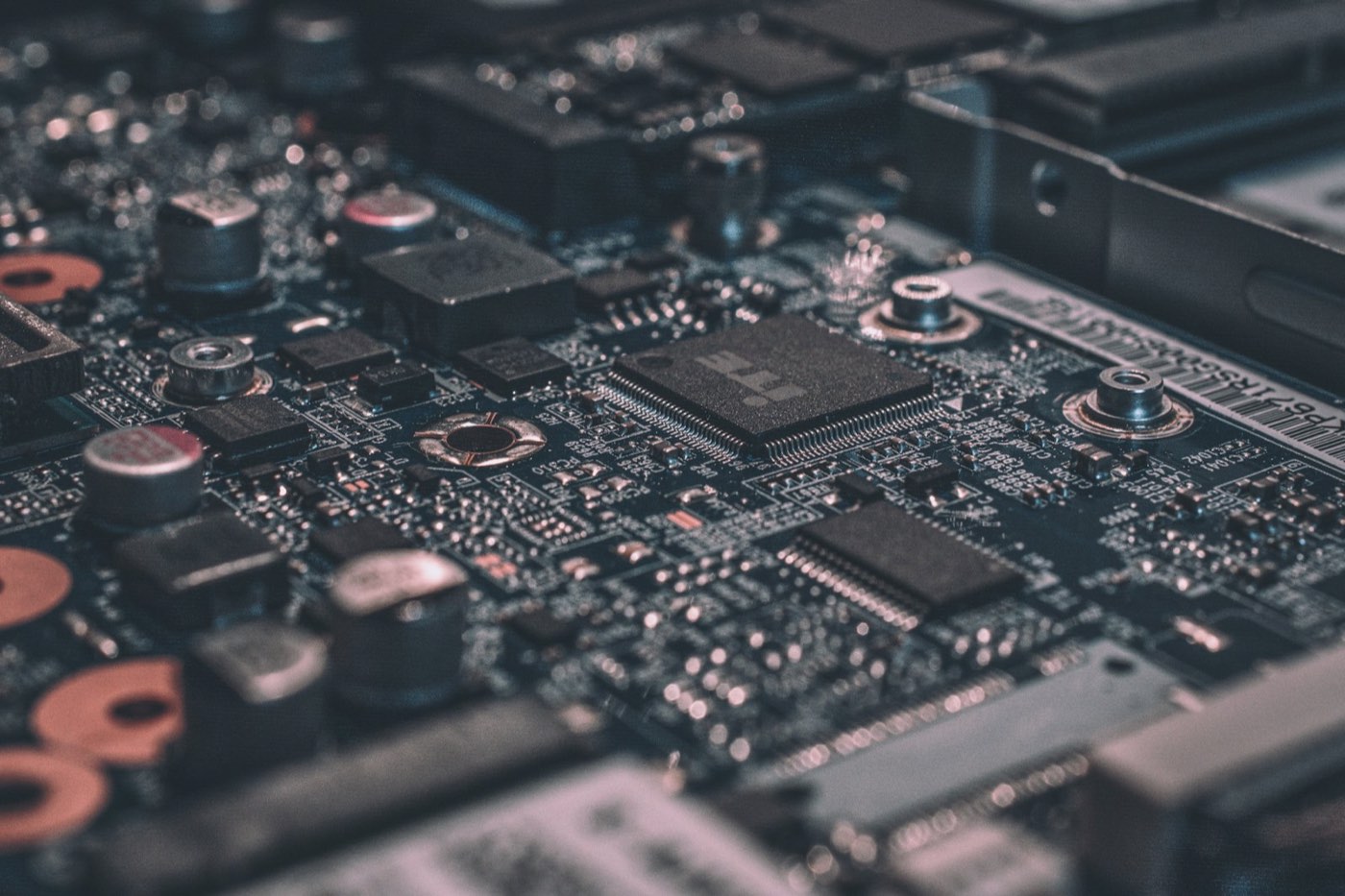
Simulink
Models built from the requirements document; model-in-the-loop simulation.
control_model.slx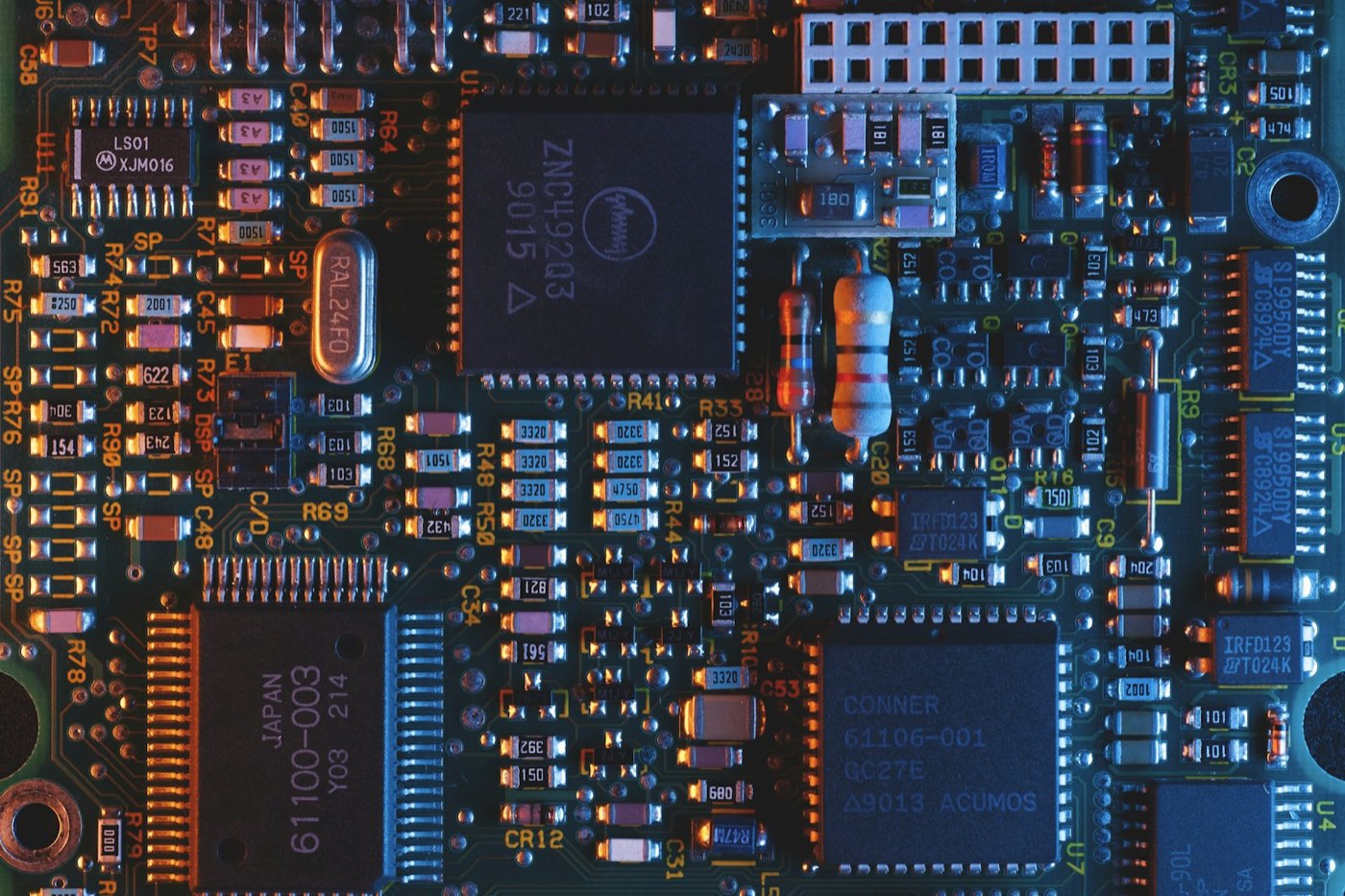
Embedded Coder
C code generated from the model; software-in-the-loop testing.
ecu_ctrl.c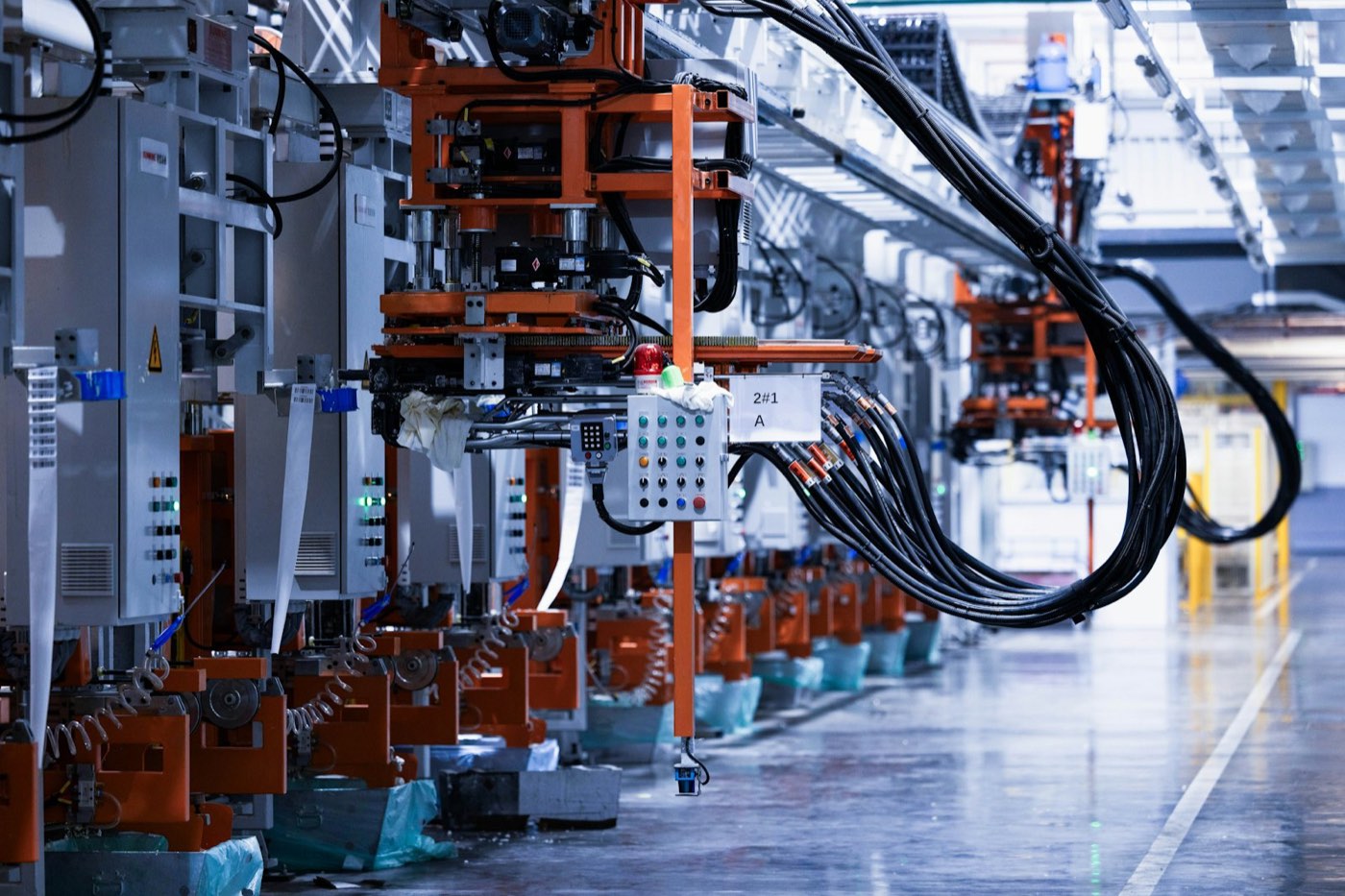
CANoe · dSPACE
Network and diagnostics testing; hardware-in-the-loop testing.
test_report.pdfBatch and overnight runs
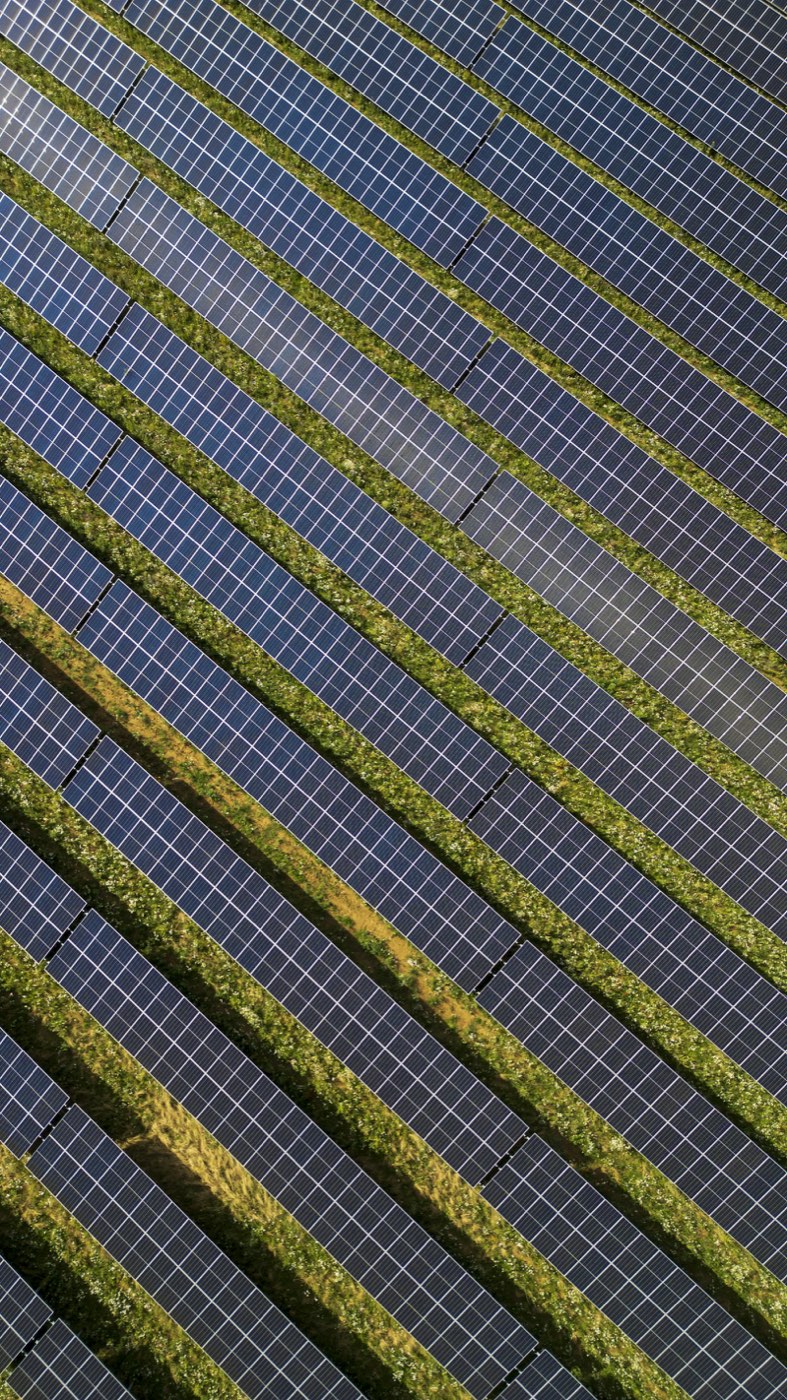 PV Plant Design
DJI Terra · PVsyst · AutoCAD
DWGarray_layout.dwg
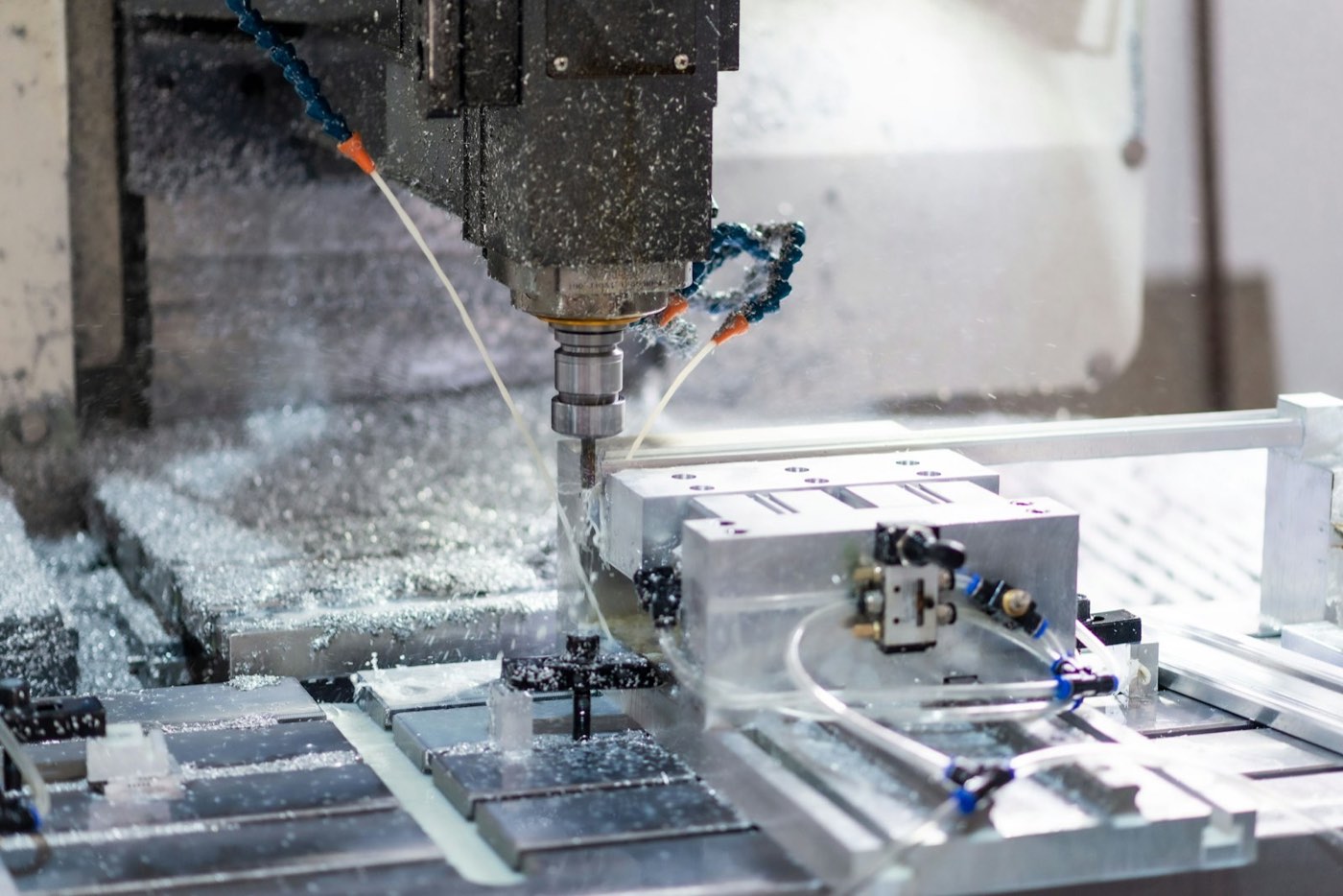 CNC Programming
NX · Mastercam · Vericut
NCO1001.nc
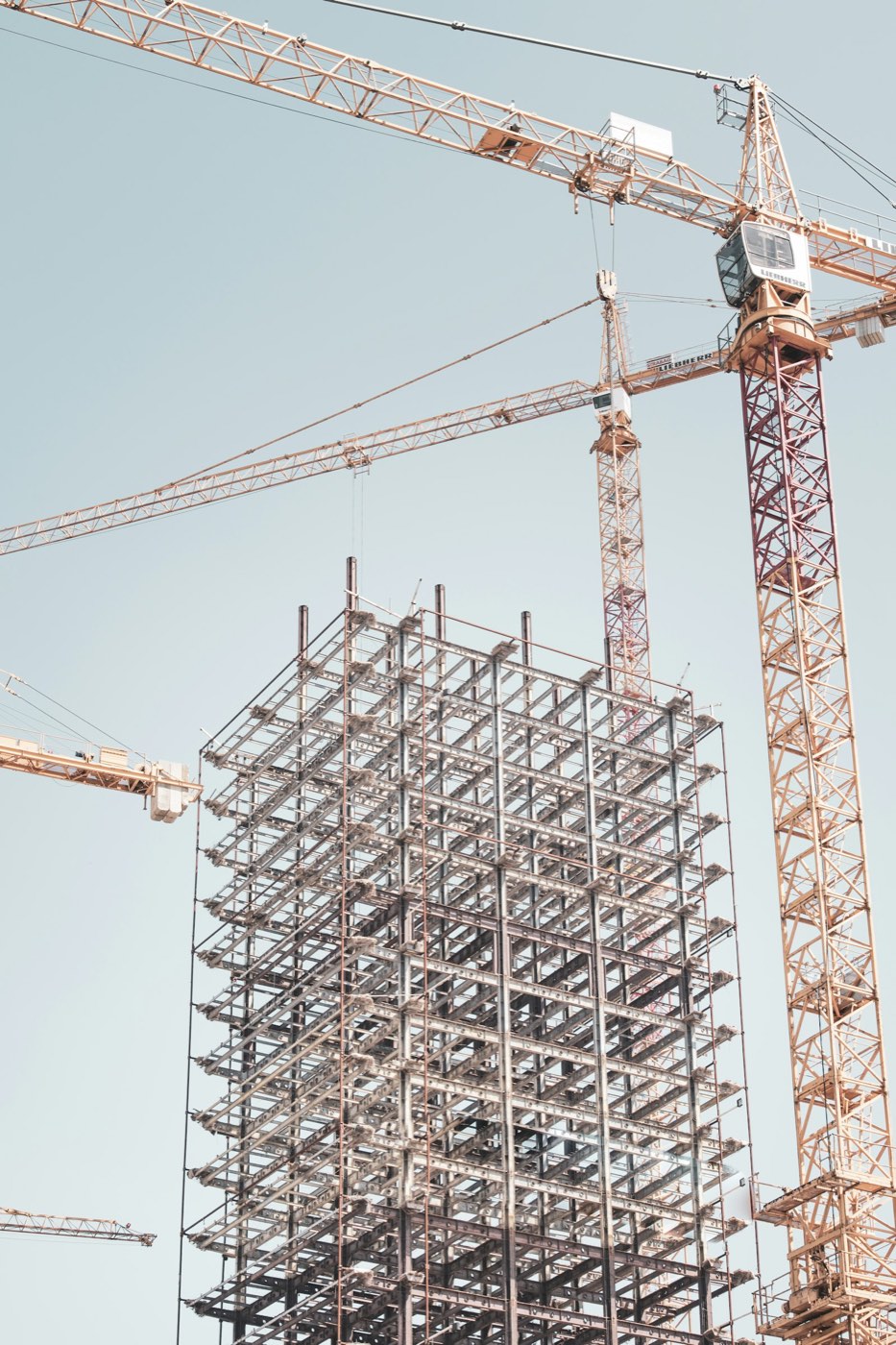 Structural Drawings
ETABS · Revit · AutoCAD
DWGbeam_reinforcing.dwg
 Dental Restoration Design
3Shape · exocad
STLmilling_file.stl
Rollout
Start with the workflow that has fixed steps and takes the most time.
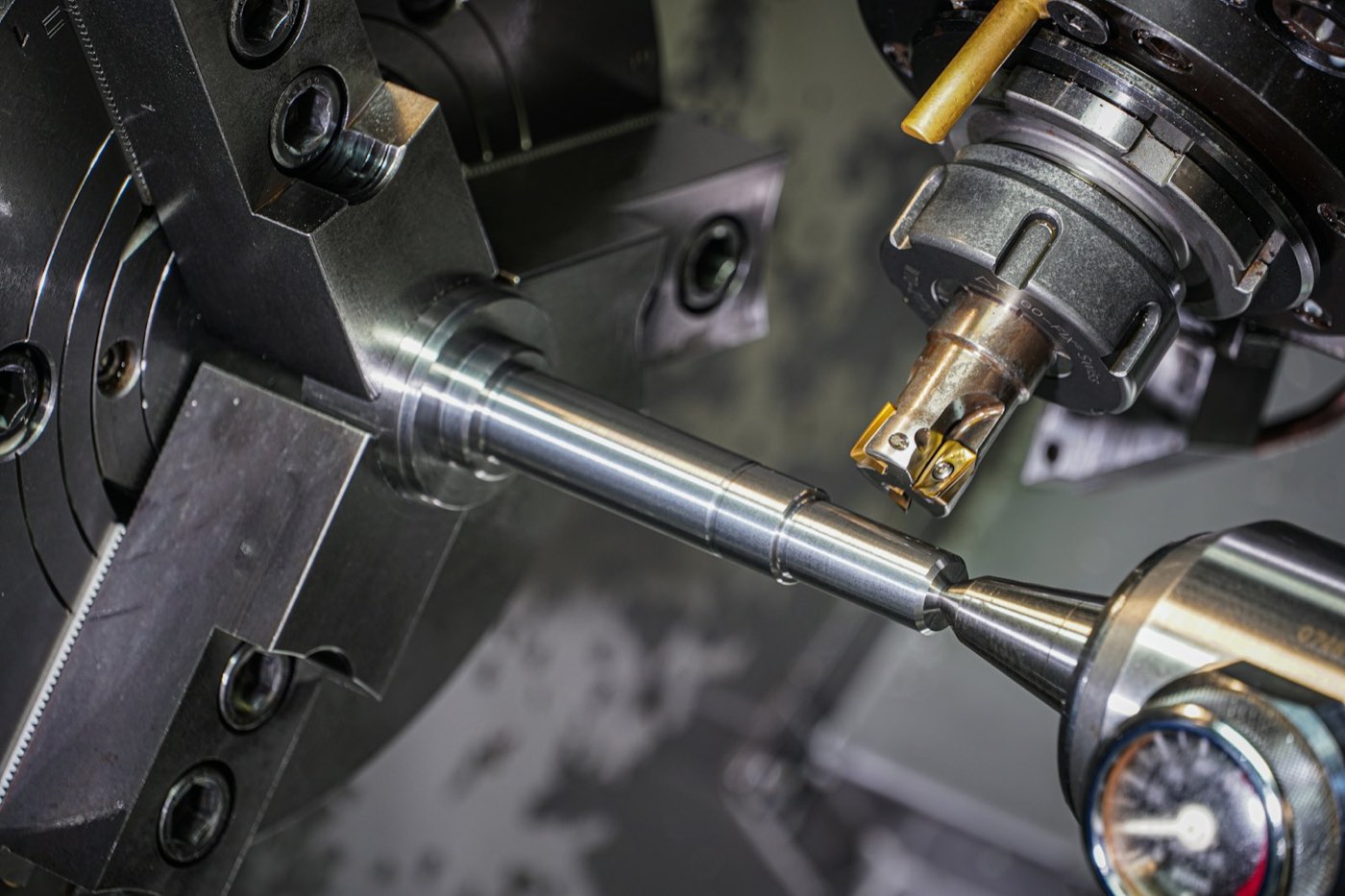
 01
Connect company software; import templates and company standards.
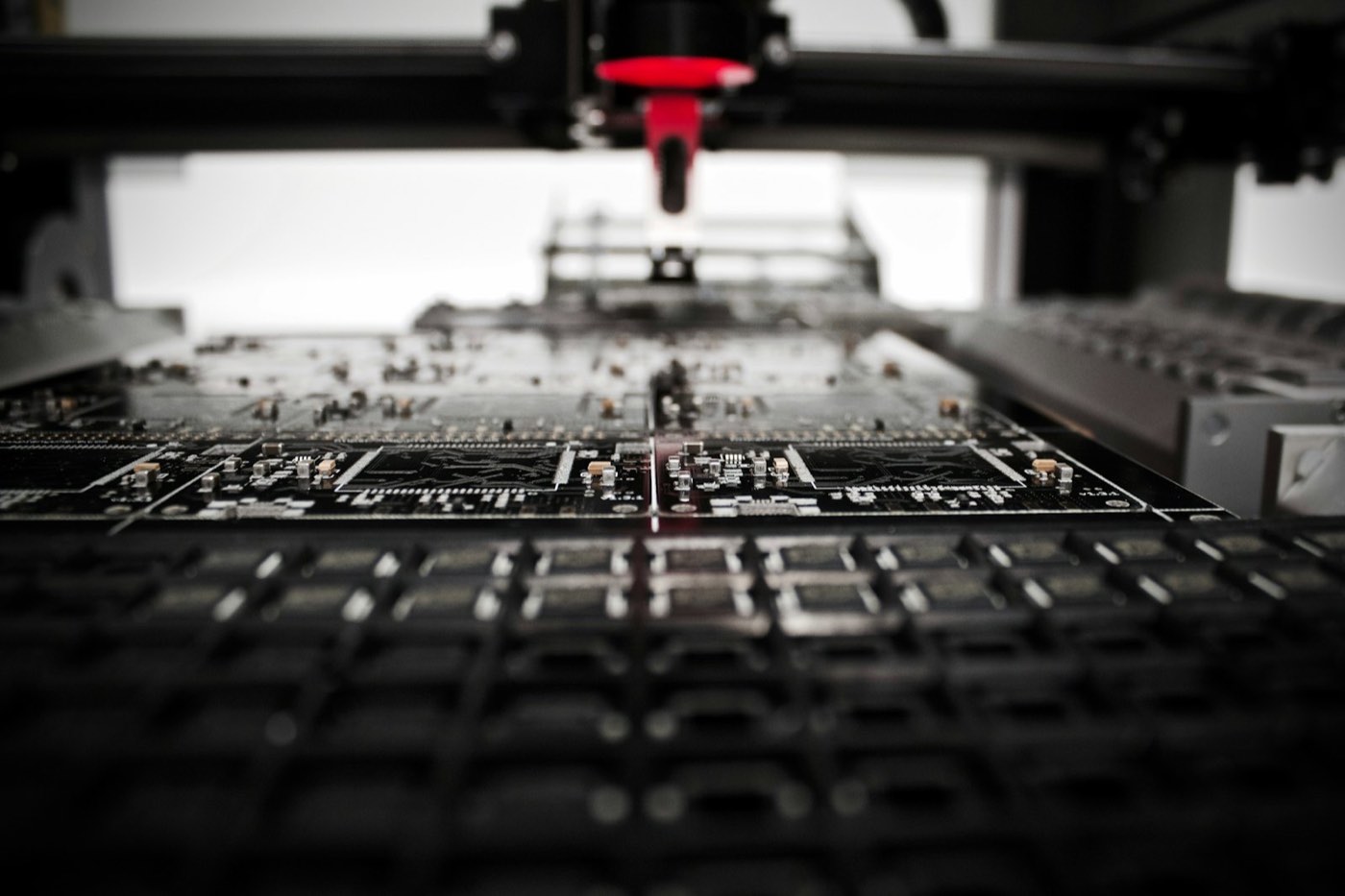
 02
Pilot on real tasks and tune the configuration.
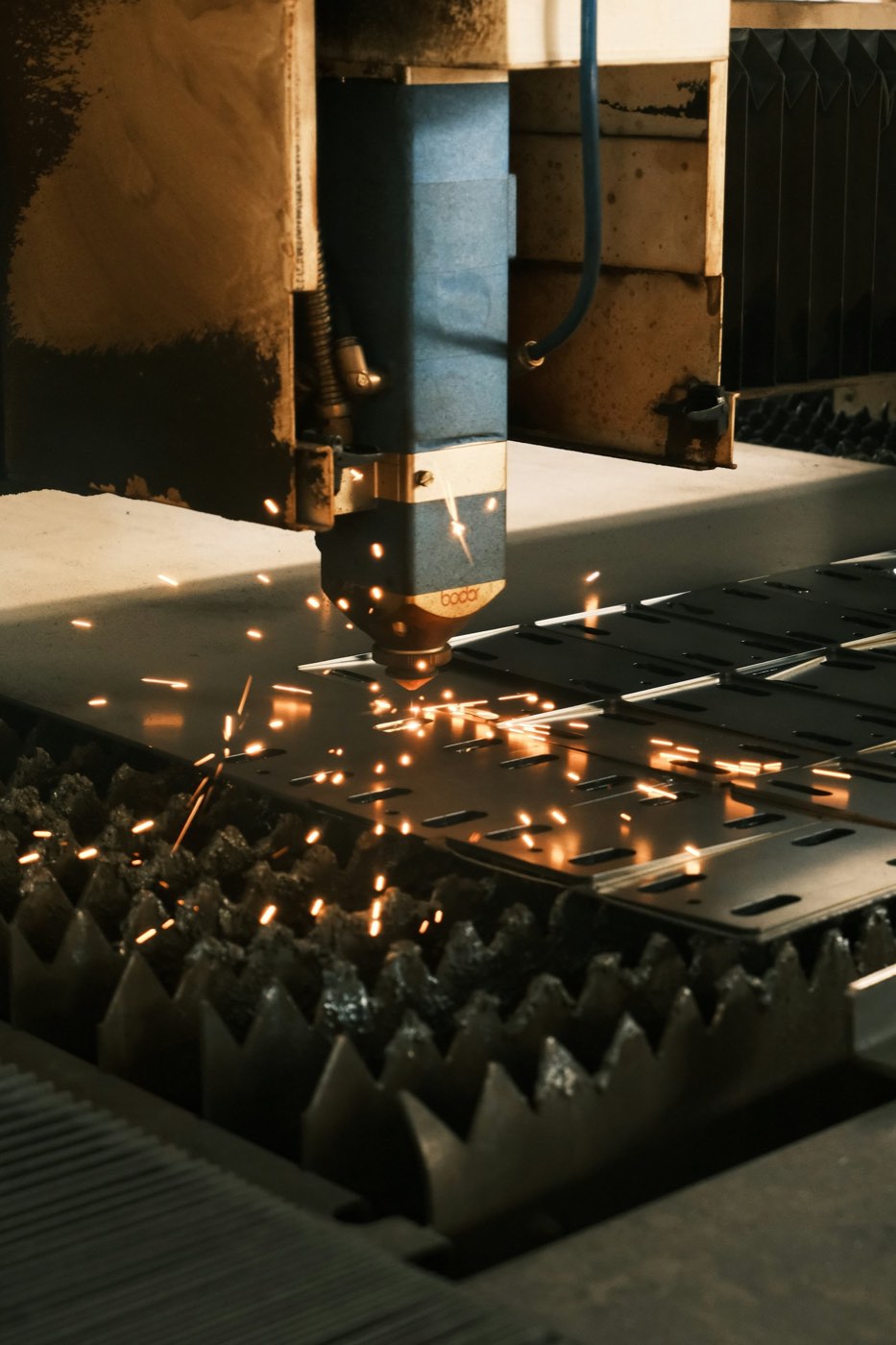
 03
Production use; enable additional applications as needed.
 04
AIGE Solution
AI-Generated Engineering